💾 Installation
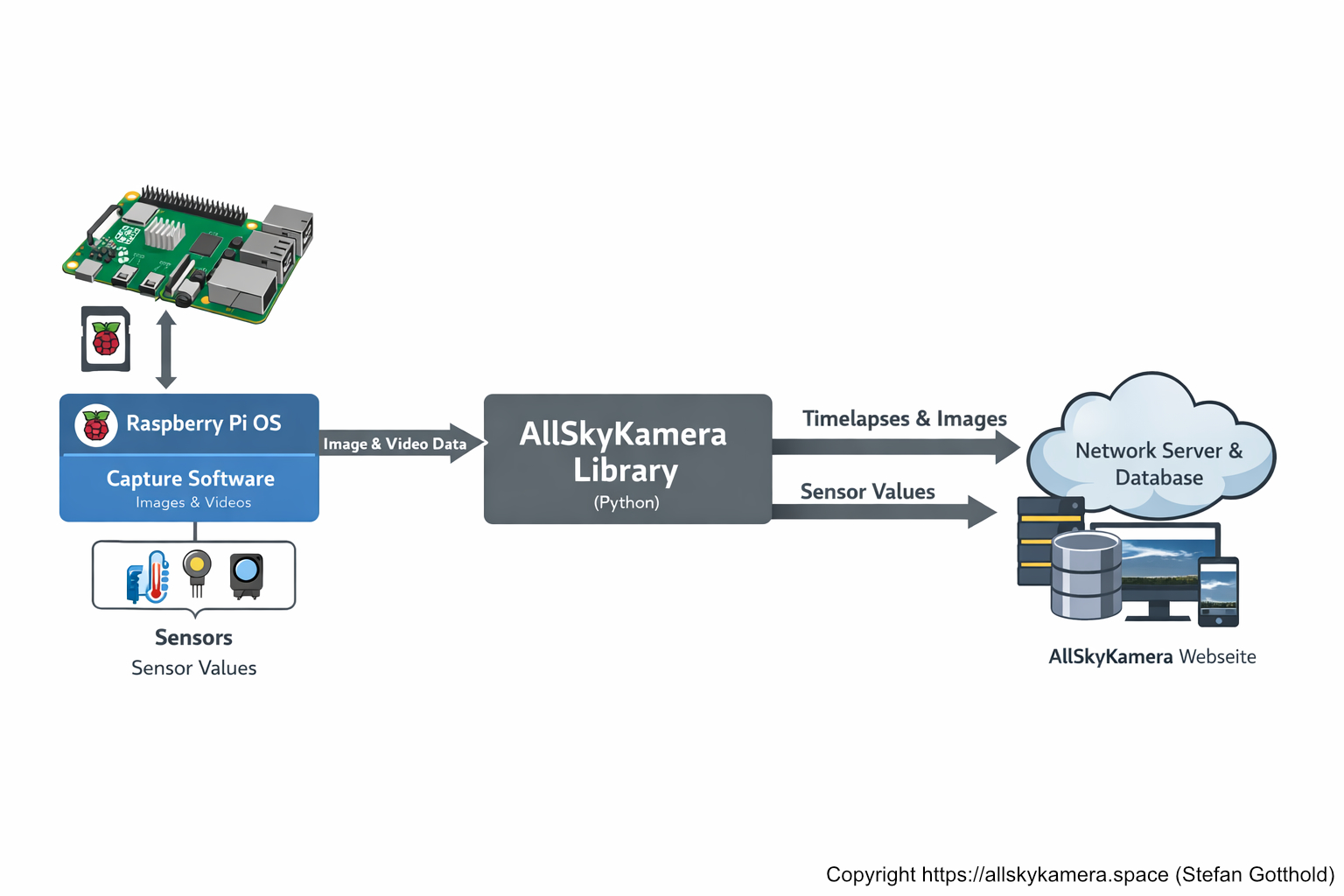
Installation in three steps: set up the operating system, install an all-sky interface, and then install the AllSkyKamera library.
This page is intentionally compact — we’ll expand it step by step.
Quick overview
- OS: Raspberry Pi OS (Bookworm/Trixie)
- Interface: INDI-AllSky or TJ-Allsky
- Next: Install AllSkyKamera library
🧪
Test installation & prototyping
For a test installation (prototype), the AllSkyCamera library can be installed locally. This allows you to test sensors and hardware without sending any data to the network server.
- No secret key or test key required
- Sensors can be tested individually in the “tests” subdirectory
- Ideal for setup, wiring, and initial functionality checks
cd
git clone https://github.com/gottie29/AllSkyKamera.git
cd AllSkyKamera/tests
Once the hardware runs reliably and the sensors work correctly, you can request a secret key and officially connect the camera to the network.